
Christmas Light Songs: Build a Playlist That Shines

Choose Christmas light songs by checking the available sequence, the exact audio recording it uses and how the preview looks on your layout. Start with a manageable set you enjoy, mix energetic and quieter arrangements, then add the actual durations to decide your playlist length. There is no required song count or universal loop length. With EZRGB, sequences and matching music are sold separately from kits—and from each other.
What makes a song work with animated lights
A clear rhythm, contrasting sections and a memorable melody can suggest visual ideas. These are creative preferences rather than requirements: a quiet piano arrangement can work beautifully if its sequence suits the display. Listen to the recording and watch the sequence preview together.
In practice, check each song against four points:
-
A clear pulse. A clear pulse can support rhythmic effects, but the sequence—not the audio alone—tells pixels what to do.
-
Defined sections. Different sections can support contrasting looks in the sequence.
-
Builds and drops. A quiet verse that grows into a full chorus can create a useful contrast.
-
Instrument variety. Bells, strings, drums and vocals can be reflected in different effects when the sequence is designed that way.
Do not rule out a favorite solely because it is slow or sparse. The useful test is whether you like the actual arrangement and its lighting sequence on your props. A song title alone cannot tell you that.
Christmas light songs that work well, by mood
Use mood categories to build a shortlist, rather than treating a list of familiar titles as an EZRGB availability list. The exact artist, arrangement and version matter. A cover of a carol can have different timing from another recording of the same title.
Here is a quick way to sort your options.
| Mood | Song ideas | What to look for in a preview |
|---|---|---|
| Upbeat and fun | “Rockin’ Around the Christmas Tree”, “Jingle Bell Rock”, “Feliz Navidad” | Rhythmic effects that suit your layout |
| Big and dramatic | “Wizards in Winter”, “Carol of the Bells” | Contrasting sections and effects on your actual props |
| Modern pop | “All I Want for Christmas Is You”, “Candy Cane Lane” | A recording and arrangement your audience enjoys |
| Calm and nostalgic | Classic carols, soft piano arrangements | Slow fades and gentle color changes between louder songs |
| Silly and kid-friendly | Playful novelty songs | Lyrics and humor suitable for your own audience |
For a verified catalog example, EZRGB lists PPD: Jingle Bells Batman Smells with a sequence preview and a separate song link. Check those details on each listing rather than assuming the sequence includes audio. Browse the sequence catalog for current choices; the mood examples above do not guarantee availability.
Match the songs to who is watching
Think about who stands on your sidewalk. A few simple rules help.
For a family viewing night, choose recordings whose lyrics and humor fit your guests. For people passing by, make each song enjoyable on its own: visitors may arrive halfway through the playlist. Include your own favorites as well as recognizable choices; there is no required percentage of classics.
Consider contrast between adjacent tracks. Several intense arrangements in a row may feel busy, while a quieter selection can give the display a different mood. Previewing the sequence is more useful than assuming one genre suits all children, teens or older viewers.
How to order your playlist
Try a simple arc, then change it to suit your selections. This is a planning example, not a required playlist format:
-
Open strong with a high-energy, familiar song.
-
Settle in with two mid-tempo tracks.
-
Add a showpiece such as a big orchestral piece, ideally in the middle.
-
Give a breather with one slow song.
-
Finish bright with a singalong that sends people home smiling.
Calculate loop length from the actual tracks you select. For example, four complete three-minute tracks total twelve minutes before any gaps; eight such tracks total twenty-four. A short loop needs fewer tracks or a purpose-made shorter arrangement. Do not promise eight to twelve full songs in three to eight minutes.
Keep the matching recording intact unless the sequence provider supplies an approved alternative or specific editing instructions. Trimming audio alone can break synchronization. Check transitions in playback; do not assume a twinkle, background effect or other filler will automatically appear between songs.
From playlist to finished show with EZRGB
EZRGB handles the show configuration from your design, so you do not need to map every pixel yourself. Keep the roles of the design, sequence and player clear:
-
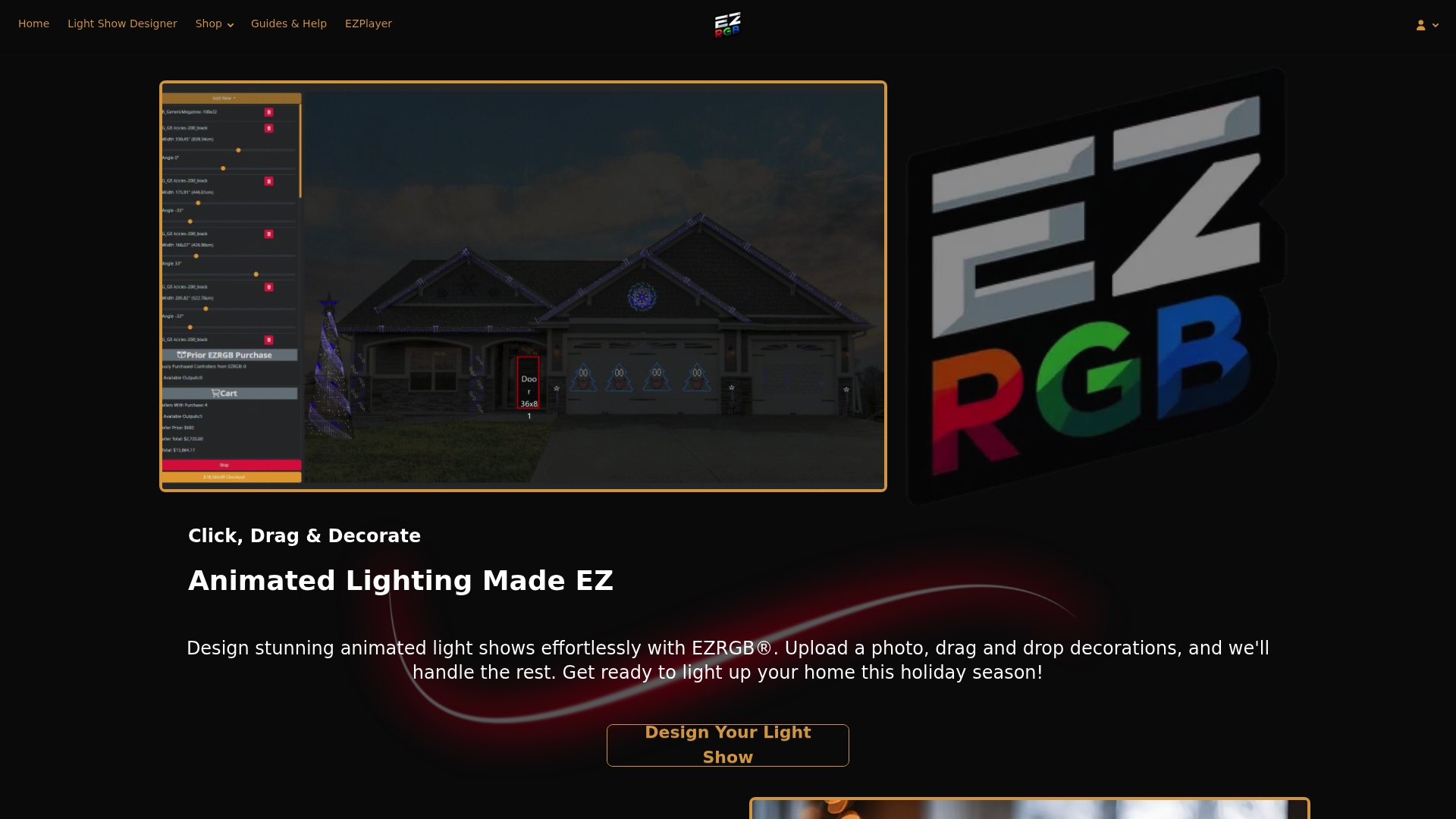
Layout designer. Upload a photo of your home, then drag and drop the decorations you own or plan to buy onto it. This is also how you preview the display before you commit to hardware.
-
EZSequence. It generates a sequence that fits your layout, so your props move with the music you chose.
-
EZPlayer. Use the installed player with the required EZRGB cloud workflow to download and configure the show. Website access lets you manage the registered player; playlists organize selections and schedules determine when they run.
The flow is covered step by step in Layout to EZSequence to EZPlayer, and you can see how scheduling works in our guide to scheduling your show in one evening. If you wonder how lights can follow music without hand-mapping every bulb, read how Christmas lights dance to music. If you are new to the term, what a holiday light show sequence is explains it plainly. Wondering about streaming services? See what works with EZPlayer.
EZPlayer uses Wi-Fi for syncing; every EZRGB controller connects through hardwired Ethernet. Cloud setup is required for the EZRGB kit system. Do not treat a standalone local playback capability or a general integration claim as a substitute for that workflow.
Check the recording before adding it to the playlist
Compare the sequence listing’s artist, version and any audio-purchase directions with the file you plan to use. A live version, remaster, radio edit or streaming version may differ from the specified recording. Owning another recording of the same song does not establish a timing match.
Once the show syncs, test a selection and then the playlist. Confirm that the expected audio and sequence play together, the order is right and the scheduled time suits your evening. If something looks out of sync, check the listing and ask support before editing files to compensate.
Grow the display without rebuilding the playlist workflow
The designer scales your house photo from a box around a measured door or window and the dimensions you enter. Its tools cover rooflines, curves, doors and windows, estimating prop sizes and light counts. EZRGB determines the equipment for your layout.
Add props whenever you want. The designer tracks available controller ports and identifies when another controller is needed. EZPlayer syncs the updated show and reprograms the controllers for the design. It also tells you which prop goes where during physical setup, so installation photos are optional keepsakes rather than a required connection map.
Ready to turn your playlist into a show
If you want songs and lights that already work together, start with a plug and play kit. Kits include their listed equipment and extensions. Mounting is excluded because every house differs. The cloud workflow configures the controllers for your design. You can add individual plug and play props later as your display grows.
Browse the sequence shop for lighting arrangements, then obtain the matching music separately as directed by the listing. Neither sequences nor music are included with the kit.
Plan for neighbors and permissions
Check applicable music-use permissions for how you intend to present or share the show; purchasing audio or a sequence is not a promise that every public use or video upload is covered. Ask the relevant rights holder or a qualified adviser when you are uncertain.
Choose considerate hours and consider visitors, access and nearby homes. Review local or HOA requirements as applicable. Our guides to HOA questions and notifying neighbors help with planning. A schedule is useful, but it does not guarantee a complaint-free evening.
FAQ
How many songs should a Christmas light show have?
There is no required number. Add the actual track durations and consider how long visitors are likely to watch. Begin with a few tested selections and expand when you want more variety.
What are the best songs for a Christmas light show?
Start with music you enjoy and a sequence you can preview on your layout. Rhythmic, dramatic and quiet arrangements can all work. Check the exact recording required by the listing rather than choosing by title alone.
Can I use any song I own?
A song you own still needs a compatible lighting sequence and the correct recording for that sequence. Follow the listing’s audio directions. Do not assume any track or streaming subscription automatically becomes a synchronized EZRGB show.
Do I need technical skills to sync lights to music?
No. In EZRGB you design your layout from a photo, EZSequence builds the sequence, and EZPlayer schedules the songs. If you get stuck, our support team is glad to help.
